



Let’s Teach Kids to Code
Previously published on OcalaITPros.com. “So he was learning many different core principles of design – about how to experiment with new ideas, how to take complex ideas and break them down into simpler parts, how to collaborate with other people on your projects, about how to find and fix bugs when things go wrong, how…
What is Recursive Programming?
When writing programs, it’s often necessary to perform repeating operations on collections of items such as customer orders or invoices. Often, you can just iterate through the collection or count the items to determine how many times to perform the operation. When working with a hierarchy of items such as a directory structure where you have an unknown and varying number of levels under each branch, it’s a different story. For this, the typical method is to use recursive programming, often just called recursion. This is a method in which one routine is designed to analyze the items on one level of the hierarchy, look for any sublevels and then call itself to analyze each sublevel. Each time the routine calls itself, it creates another instance of itself that works independently until it’s finished and then returns to the instance that called it.
Replacing Your Wireless Mouse / Keyboard Receiver
Wireless mice and keyboards are a great way to reduce the tangle of wires on your desktop but what do you do when that tiny USB receiver, the one about the size of your fingernail, goes missing? That’s what I asked myself the other day when I lost the receiver (also called a ‘dongle’) for my Logitech wireless mouse. The mice aren’t that expensive but I hated the idea of tossing one just because the receiver went missing so I did a little checking.
Read More “Replacing Your Wireless Mouse / Keyboard Receiver” »
Importing Meta Descriptions to Yoast SEO
In a recent post, I talked about using the WordPress plugin Add Meta Tags for adding meta descriptions and titles to posts and pages within my WordPress sites. It’s a simple SEO tool but works well. Nevertheless, I decided to switch my sites over to Yoast SEO for all its extra features and guidance in constructing pages. I was anticipating quite a job as this blog alone has almost 100 posts and all of those descriptions needed to be transferred from the fields created by the old plugin to Yoast’s fields. Yoast does have some import tools of its own but they didn’t include the one I’d been using and my experience with a third-party converter had not been good so I was glad to find that I could do it so simply with one query in phpMyAdmin.
How Do I Switch to Linux?
For years, the idea of running Linux has been associated with the typing of confusing commands into terminal programs and a fairly steep learning curve that a lot of users avoided just by sticking with Windows. In the last few years, however, Linux has come a long way with many different versions (also called distributions) for users to choose from, some of which look and act very much like the previous versions of Windows that users long for after sampling Windows 8.
Using Visual Studio to Manage Your Data
(This article was updated in August 2018 for use with Visual Studio 2017.)
Moving Beyond Microsoft Access
I’ve written a lot about Microsoft Access over the years and still believe it’s a great training ground for people who want to learn to design database applications. Its user-friendly interface provides an easy learning curve and introduction to the basics of relational databases, data entry forms and report design. If you want to get serious about programming, however, it’s important to expand your skillset beyond Access with tools that are in demand by potential employers and customers.
One of these tools is Microsoft Visual Studio, the development suite that provides access to the .NET family of languages including C# and VB.NET. With Visual Studio, you can create a variety of professional applications from Windows form applications to websites powered by ASP.NET. While Microsoft Access provides some impressive tools for the office power user and even some full-time programmers, Visual Studio is the next step up the development ladder. It enables professional programmers to design any type of solution without being tied to a Microsoft Office installation and without the limitations of the Windows desktop. A couple quick searches of sites like CareerBuilder.com will show you the kind of jobs and salaries that knowledge of Visual Studio can lead to as opposed to Microsoft Access.
Creating Virtual Machines with Oracle VM VirtualBox
What is Virtualization?
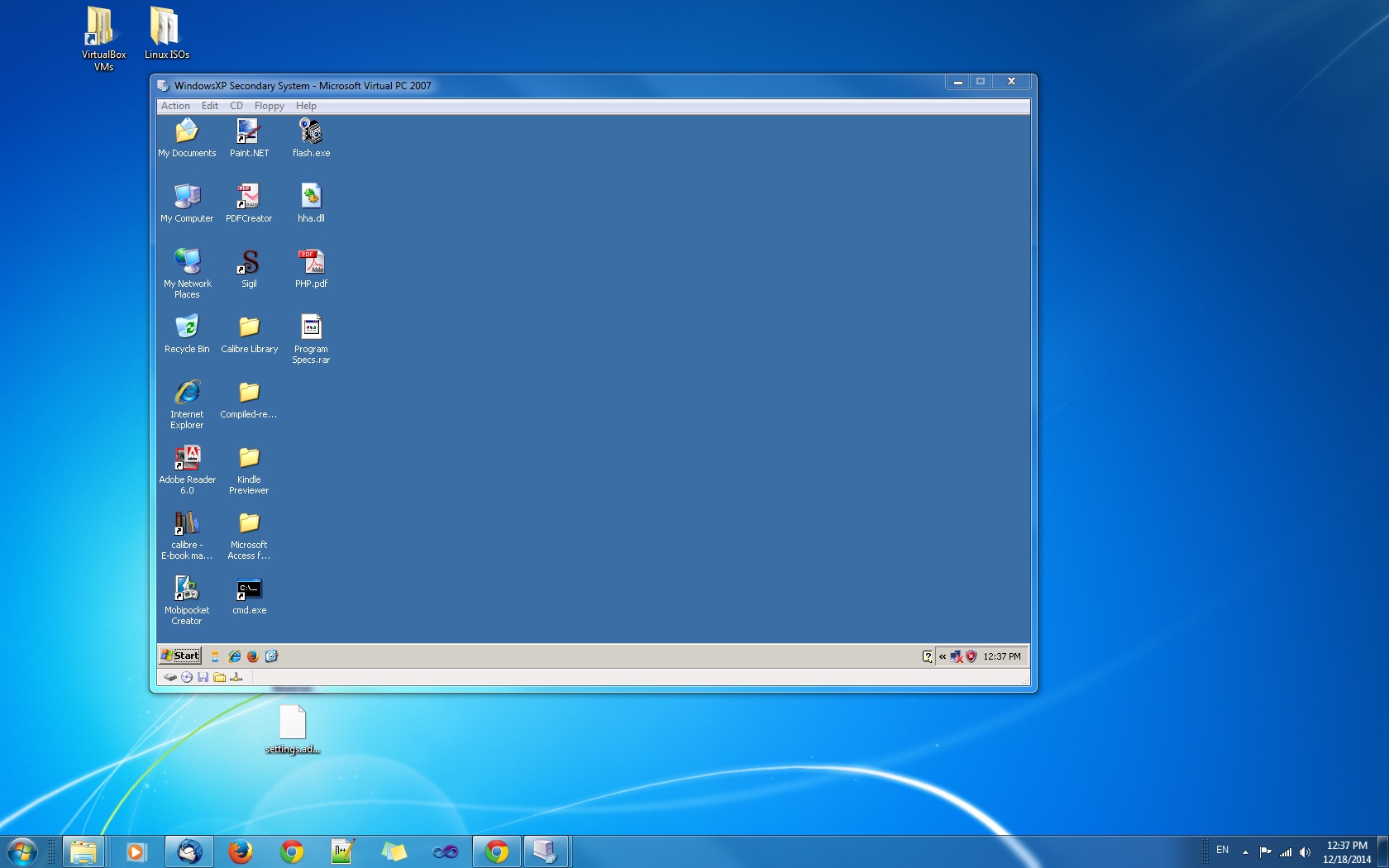
Several years ago, I wrote an article for this site about Microsoft Virtual PC, Microsoft’s implementation of virtualization technology for the Windows desktop. Virtualization software enables a computer to act as a host, running multiple computer sessions with different operating systems for the purpose of testing software, isolating specific programs from the rest of the software on the host machine or maintaining older operating systems as needed after an upgrade. Virtual PC was a somewhat simplified virtualization software which officially supported various versions of DOS and Windows and made the virtualization concept a little more accessible to the average user. With the release of Windows 8, it was succeeded by Hyper-V on machines with the necessary hardware requirements and Windows 8 editions.
Oracle VM VirtualBox
Read More “Creating Virtual Machines with Oracle VM VirtualBox” »
Alcatel OneTouch Fierce Hotspot Stops Working
See the end of this post for the March 2015 update. I got it working again for now.
Earlier this year, I upgraded to an Alcatel OneTouch Fierce smartphone from the $20 cheapo phone I was using and was pretty happy to be back in the Android camp with all the available apps and the usable ‘Net and mail features I’d been doing without, not to mention the 4G service that Sprint had never delivered in this area but charged me for anyway. About a month ago, I noticed the hotspot feature on the Alcatel and, for $5 / month, figured it was a great deal. Now, I could share my 4G signal with my laptop, log in more securely in public and even have a backup broadband service for my PC when my ISP’s service occasionally flakes out.
The Problem
All was going good for about a month until this weekend when the hotspot suddenly stopped working. My PC and laptop would still show a good connection to the hotspot but I couldn’t load any pages in the browser. Chrome would spend about 15 seconds trying to establish a connection and then report that the page took too long to load. Firefox was the same. I tried with three different machines and three different operating systems (Windows XP / 7 and 8) and all did the same.
Why I’m Still On Facebook
Yesterday, I received an e-mail notice of yet another change to Facebook’s privacy policy and finally decided to pull the trigger on something I’d been itching to do for a little while. Around mid-day, I posted the following status update… Once again, I’m reducing my presence on Facebook and trimming the Friends List. If you find…